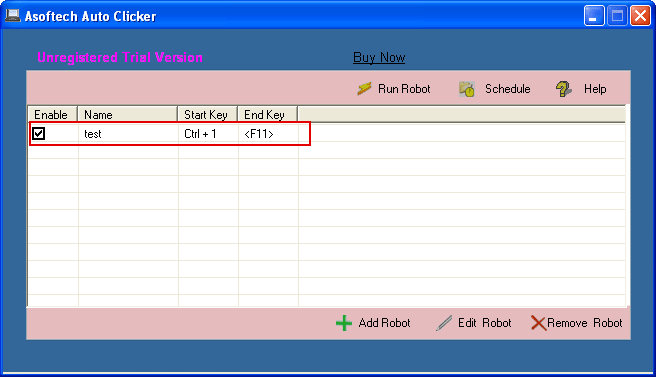
A timed clicking routine can save a manual start when a recurring desktop task begins at a known time. Asoftech Auto Clicker can start a saved click robot at a scheduled time. Set up the clicks first, then test them while you are present before relying on the schedule.
Open the target application and keep its window in a predictable position. In Asoftech Auto Clicker, create a robot with one click at the required point. Choose the click type, an interval that gives the application time to respond, and a small repeat count. Save the robot and run it manually once.
Test the scheduled start
Select the saved robot, click Schedule, and set a nearby start time and leave the target application ready. Watch the first scheduled run. Confirm that the correct control receives each click and that the robot stops after the intended repeats. Keep a stop shortcut available.
Avoid common scheduling problems
A schedule cannot prepare an application by itself. Check that the computer is on, the target window is ready, and screen position or scaling has not changed. If a click misses, stop the run and adjust coordinates or timing. If the task has several targets, test the complete sequence before scheduling it.
When should you use a schedule?
Use scheduling for a repeatable task with a stable screen and a clear result, such as a controlled desktop demonstration or a routine in a test application. Check the rules of any game or service before automating clicks. For an unattended run, start with a small repeat count and inspect the result afterward.